

The Ticket Is the Invoice. Stop Typing It Twice.
A field ticket is the only record that a job happened, and in most operations it travels by truck. It arrives days late, gets retyped into a billing system, and the revenue it represents waits on that round trip. Capture it where the work happens and the round trip disappears.
The Symptoms, Before the Diagnosis.
The ticket rides in the truck
Billing cannot start until paper reaches the office, so the lag between doing the work and invoicing it is measured by how often crews come back to the yard rather than by anything you control.
Everything gets typed twice
Once by the person on site, once by the person billing. The second copy is where the errors are, and it is also a job nobody wants.
Disputed tickets have no evidence
A customer questions the hours or the weights, and the answer is a handwritten number with no photograph, timestamp or signature behind it. Those arguments are usually conceded rather than won.
Unsigned work gets billed and bounced
Tickets that were never approved on site go out on an invoice, get rejected, and come back as a collections problem weeks later.
Field Ticketing & Ticket-to-Invoice, in Scope.
Scope is set against your operation, not against this list — but this is the shape of a build in this line.
Capture at the point of work
Hours, quantities, weights, equipment, materials and site conditions recorded on a phone while the job is in front of the person recording it — offline-tolerant, because most of this work happens where coverage is not.
Signature and evidence on the spot
Customer sign-off and supporting photographs attached to the ticket at the moment of agreement, so a later dispute is settled by a record rather than by whoever is more certain.
Priced against the real agreement
The ticket carries its rates from the contract that governs it, so an approved ticket is already a priced invoice line rather than an input to a pricing exercise.
One approval, then straight through
Office review handles exceptions rather than transcription. Clean tickets flow to invoicing untouched; the ones that need a human are the only ones a human sees.
A trail that survives an audit
Who recorded it, who signed it, when, where, and what changed after — kept against the ticket, because the questions arrive months later.
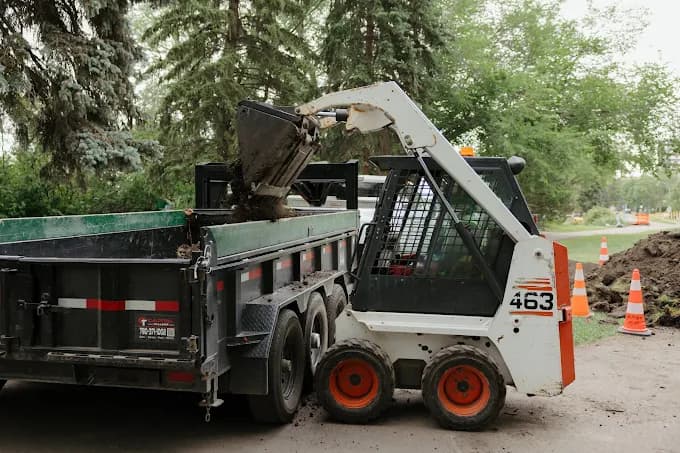
We design the ticket around what the person on site can realistically record with one hand in bad light, not around what the billing system would ideally like. Every extra field is paid for by someone standing outside, and a ticket that is slow to complete gets completed from memory in the truck — which is worse than paper.
Then we make the office side exception-driven. If billing still reads every ticket, the round trip has only moved indoors; the value shows up when a clean ticket needs no attention at all.
What It Looks Like When It Works.
Work done today is billable today, with the evidence attached. The lag between the job and the invoice stops being a function of how often trucks return to the yard, and the people who were retyping tickets do something the business actually needs.
- We do not replace your accounting package. Approved tickets become invoices in QuickBooks, Sage or Xero; the ledger stays there.
- We do not send an invoice nobody approved. Automation runs up to the point of review, not past it.
- We do not supply the hardware. Phones, tablets and in-cab devices are yours; we build what runs on them.
Under 5 min
Zebra Landscaping · per cleanup quote, on site
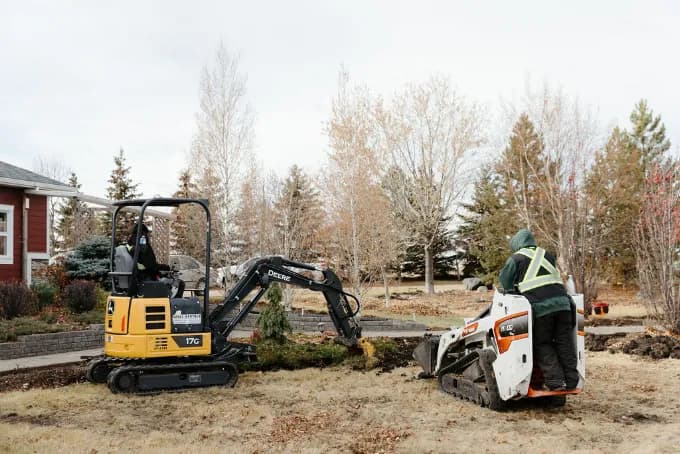
A single-purpose field tool for the work that arrives all at once and gets recorded worst when everyone is busiest — completed on site rather than reconstructed at the office afterwards. Client-reported.
Field Ticketing & Ticket-to-Invoice, Answered.
What Happens Where There Is No Signal?
Tickets are completed on the device and sync when coverage returns, with conflicting edits resolved deliberately rather than by whichever write landed last. For most field ticketing this is the normal condition, not an edge case, so it is a design requirement rather than a feature.
Can the Customer Sign on the Device?
Yes, and that is usually the point. A signature captured at the moment of agreement, with the photographs and timestamps beside it, is what turns a disputed ticket from an argument into a document.
Does This Replace Our Field App?
Not if it is working. Where a field tool already fits, we integrate with it and build only the ticketing, pricing and billing path it does not cover — that is cheaper and faster than asking crews to relearn something.
Start with the operation, not the software
Book a 30-Minute Call.
30 minutes. We map how work moves through your business today, show you where it leaks, and hand you a costed plan — whether you build it with us or not.
Edmonton, Alberta · No commitment · 587-937-6948
Where To Go Next.
Up a level
Operational Software
Jobs, customers, approvals and documents in one system you own.
More In This Series
Asset, Fleet & Maintenance Tracking
Where each unit is, what it earned, what it cost, and what service is due.
Legacy System Modernization
Retiring the Access database and the spreadsheet stack, without stopping work.
Internal Tools & Admin Portals
The one internal screen that replaces a spreadsheet and three logins.
Custom Web Applications
Multi-user operational web apps on a current stack, integrated and owned by you.
Mobile Apps for Field Crews
Capture on site, work without signal, sync when it comes back.
Also Worth A Look