Built for a Phone, On a Site, in the Cold.
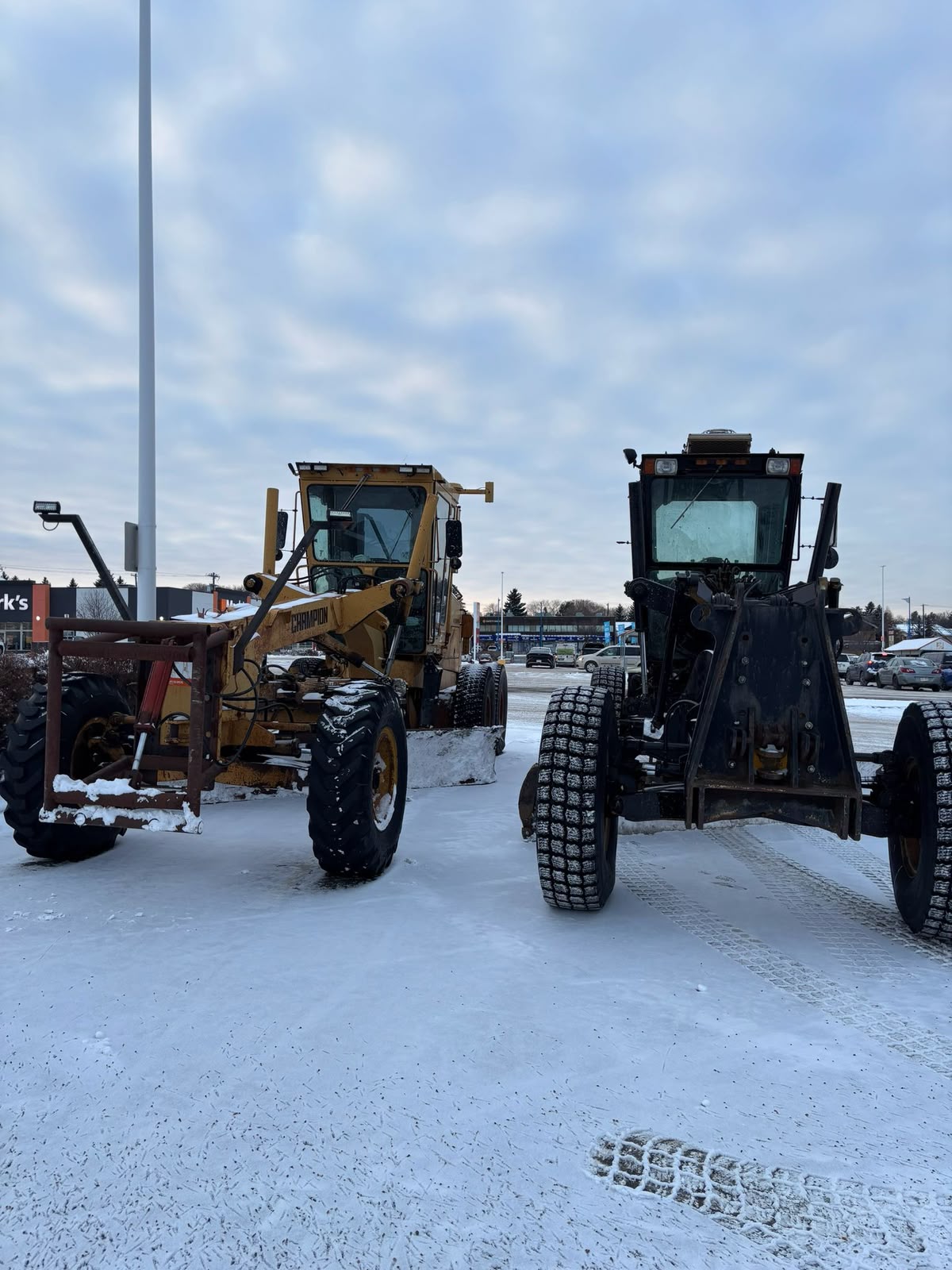
Field software fails in specific ways: a dead zone, a glove, a cracked screen in daylight, a crew that will not fight an app while a customer is standing there. We build mobile tools for the conditions the work actually happens in — capture on site, tolerate no signal, sync when it returns, and attach everything to the job it belongs to.
What Should a Mobile App for Field Crews Do?
A mobile app for field crews captures the job where the work happens: photos, measurements, forms and customer sign-off, working without signal and syncing when it returns. AltaMatic builds field apps that attach everything to the right job in the office system, so nothing is typed twice and the record is complete enough to bill from.
- On-site capture
- Works offline, syncs later
- Customer sign-off in the field
- Photos attached to the job
- Feeds the office system
- Built for gloves and daylight
The Symptoms, Before the Diagnosis.
Paperwork happens twice
The crew writes it on site, then someone retypes it in the office that night or the next morning. Every re-key is a chance to be wrong, and the office copy is always a day behind the truth.
Photos live on phones
The evidence for a change order, a warranty claim or a dispute is in somebody's camera roll, unlabelled, alongside their weekend. Finding it later is a favour, not a process.
The app stops where signal does
Rural Alberta, a basement, a site with no coverage. A tool that needs a connection to record anything is a tool the crew stops trusting after the first time it loses their work.
Nobody uses the app you bought
It asks for eleven fields where the job needs three, so the crew fills it in badly or not at all — and the data in the office is worse than what the whiteboard used to hold.
Mobile Apps for Field Crews, in Scope.
Scope is set against your operation, not against this list — but this is the shape of a build in this line.
On-site capture that fits the job
The three fields that actually matter for this work, not a generic form. Photos, notes, measurements, materials and times captured as the work happens rather than reconstructed afterwards.
Offline-tolerant by design
Work is recorded on the device and syncs when coverage returns, with conflicts resolved deliberately rather than by whichever write landed last. A dead zone should be an inconvenience, not lost work.
Customer sign-off in the field
Scope changes and completion signed on the device, at the moment the customer agrees, and attached to the job record — so billing reflects what was actually authorised.
Feeds the office system, not a second silo
Everything captured lands in the same operational records the office and management already work from, rather than in an app with its own separate view of the business.
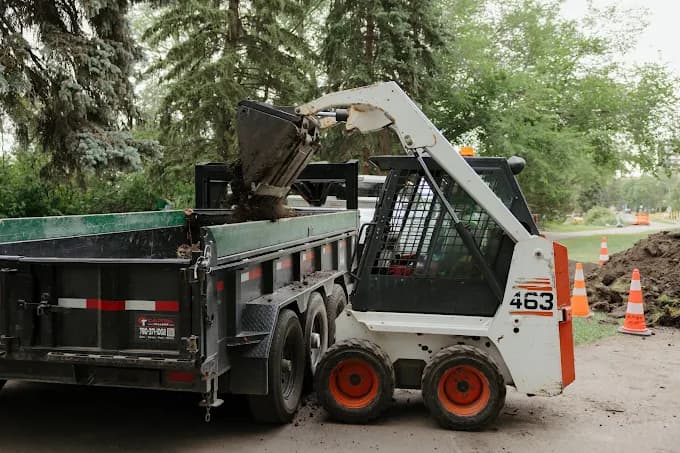
We design field tools against the worst case, not the demo case: bad light, gloves, one bar of signal, a customer waiting. That constraint usually means fewer fields, bigger targets and defaults that are right most of the time — and it is the difference between an app crews use and one they route around.
Whether it ships as a responsive web app or a native install depends on what the work actually needs. Camera, GPS and reliable offline storage push toward native; everything else is usually better served by a web app crews do not have to install or update.
What It Looks Like When It Works.
What happened on site is recorded on site, attached to the right job, visible in the office immediately, and complete enough to bill from and defend later — without anyone typing it a second time.
4 hrs → 20 min
Edmonton landscaping company · per quote, client-reported
A phone-first field quoting app for an Edmonton landscaping company: a site visit becomes a review-ready quote, with satellite measuring and extraction doing the assembly and a person approving before anything reaches a customer. Client-reported, not independently audited.
Mobile Apps for Field Crews, Answered.
Native App or Web App?
Whichever the work needs. Camera use, GPS and dependable offline storage argue for a native install; everything else is usually better as a responsive web app, because there is nothing to install, nothing to update on twenty devices, and no app store between you and a fix.
Will It Work Without Signal?
That is a design requirement, not a feature request, for any tool used outside a city. Work is captured on the device and syncs when coverage returns, and we decide up front how conflicting edits get resolved rather than leaving it to chance.
Our Crew Hates the App We Already Have. Why Would This Be Different?
Usually because the existing app was built for a generic version of the job and asks for far more than the work requires. We scope to what the crew actually needs to record, test it with the people who will use it, and treat refusal to use it as a design failure rather than a training problem.
Start with the operation, not the software
Book a 30-Minute Call.
30 minutes. We map how work moves through your business today, show you where it leaks, and give you a rough cost range — whether you build it with us or not.
Edmonton, Alberta · No commitment · 587-937-6948
Where To Go Next.
Up a level
Operational Software
Jobs, customers, approvals and documents in one system you can own.
More In This Series
Job Costing & Margin Tracking
Know which jobs make money while they are still running.
Scheduling & Dispatch Systems
One board the office and the field read the same way.
Field Ticketing & Ticket-to-Invoice
Tickets captured at the work, priced automatically, invoiced without retyping.
Asset, Fleet & Maintenance Tracking
Where each unit is, what it earned, what it cost, and what service is due.
Legacy System Modernization
Retiring the Access database and the spreadsheet stack, without stopping work.
Also Worth A Look